A new look at Milkshake website examples — 7 ideas

- Why use Taplink for a Milkshake-style website
- Social media course host’s Milkshake-style website example
- Online fitness trainer’s Milkshake-style website example
- Musician’s Milkshake-style website example
- Photographer’s Milkshake-style page example
- Bakery’s Milkshake-style website example
- Interior designer’s Milkshake-style website example
- Guide seller’s Milkshake-style website example
- How to create a Milkshake-style website in Taplink
- Way 1: Choose a template
- Way 2: Create a website with AI
- The bottom line
The Milkshake-style website examples in this article were created with Taplink, a mobile website builder and a link-in-bio tool. We use Taplink because it’s a more advanced alternative to Milkshake — it offers more ways to organize content and customize your site.
Milkshake uses swipeable cards. Each card has a specific purpose, such as About, Links, Contact, Top Picks, or YouTube. Visitors swipe between cards like Instagram Stories.
This navigation isn’t always intuitive. Most websites and pages scroll from top to bottom, so some visitors may not realize they need to swipe left or right. As a result, they may miss content on other cards.
Taplink uses a different structure: one scrollable page instead of a set of swipeable cards. Visitors can scroll down the page in the usual way. You can still divide the content into clear topics and give each part its own layout.
Taplink uses sections and subpages to organize content:
- Sections let you separate different parts of the page visually. They can make a long page easier to scan and give each topic its own space.
- Subpages let you offload your main page by moving some content to other pages. This keeps the main page shorter while giving visitors access to more information.
Taplink also offers content blocks that aren’t available in Milkshake, including:
- FAQ.
- Pricing plans.
- Forms and payments.
- Music.
- Video.
- Media and text.
- Custom blocks.
The examples below show how to use these features in practice to create Milkshake-style websites for different businesses and creators.
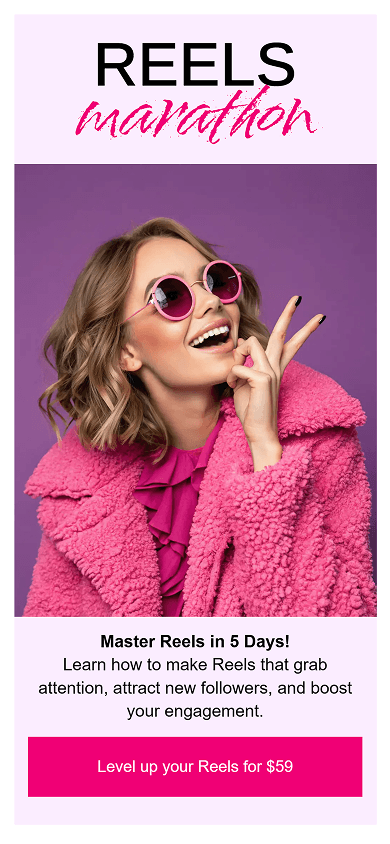
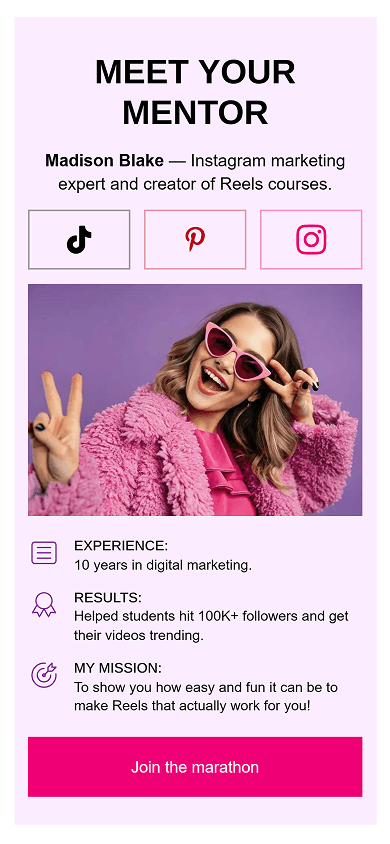

Key features & advantages:
- Media and text (screenshot 2): Combines custom icons with short text. This helps separate the mentor’s experience, results, and mission. It creates a clear bio section that builds trust quickly.
- FAQ block (screenshot 3): Displays the 5-day marathon schedule in a compact format. Visitors can tap each day to expand its topics. Unlike Milkshake’s static text layouts, this keeps a long course schedule easy to scan.

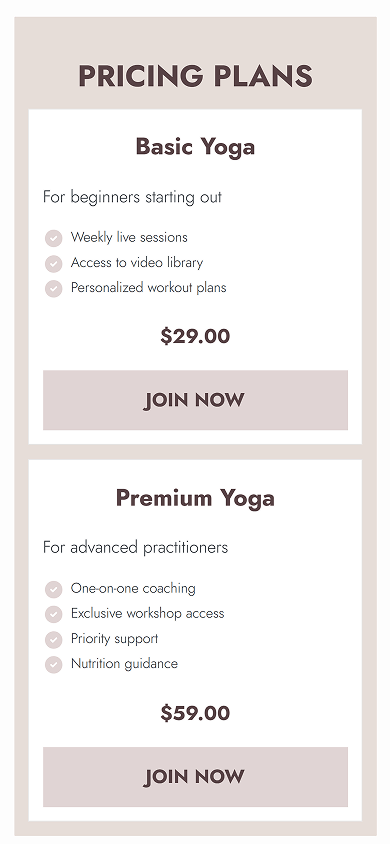

Key features & advantages:
- Pricing plans (screenshot 2): Unlike Milkshake’s basic link cards, this block lets you display structured service tiers. Each plan can include a name, description, feature checklist, and a custom CTA button. You can add plans individually, like in the screenshot, or display them as a carousel.
- Embedded video (screenshot 3): Plays directly on the site. Milkshake requires a dedicated YouTube card for videos, while Taplink lets you add video content to any place on your website.

Key features & advantages:
- Embedded Music block: Plays tracks directly on the page. Visitors don’t need to leave the site to listen. Taplink can embed interactive players from Spotify, SoundCloud, Apple Music, and 15+ other streaming services. Milkshake, on the contrary, doesn’t offer music features.
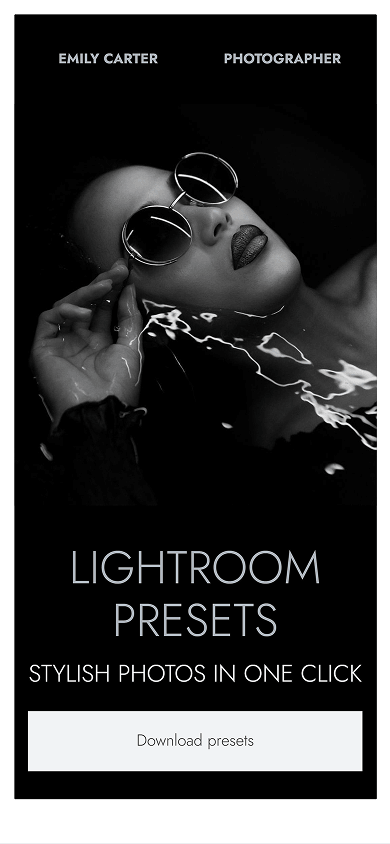

Key features & advantages:
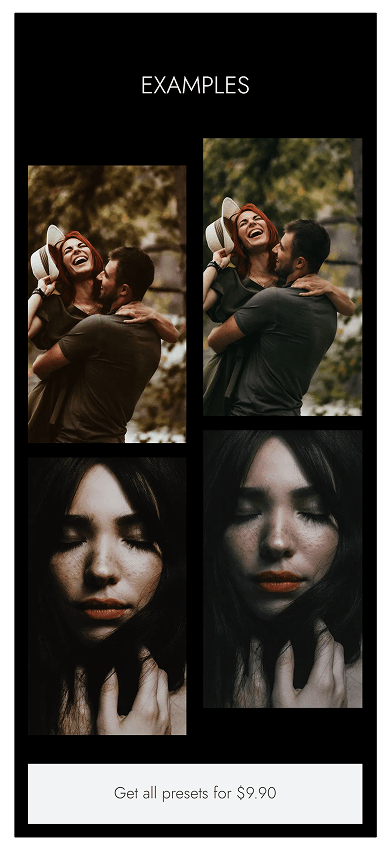
- Custom block (screenshot 2): Creates multi-column photo grids with flexible element placement and action buttons. This lets you show several preset results side by side instead of using Milkshake’s single-column layout.
- FAQ block (screenshot 3): Puts preset installation guides and software compatibility details into compact accordion items. Visitors can expand each item when they need more information, while the page stays clean and easy to browse on mobile.

Key features & advantages:
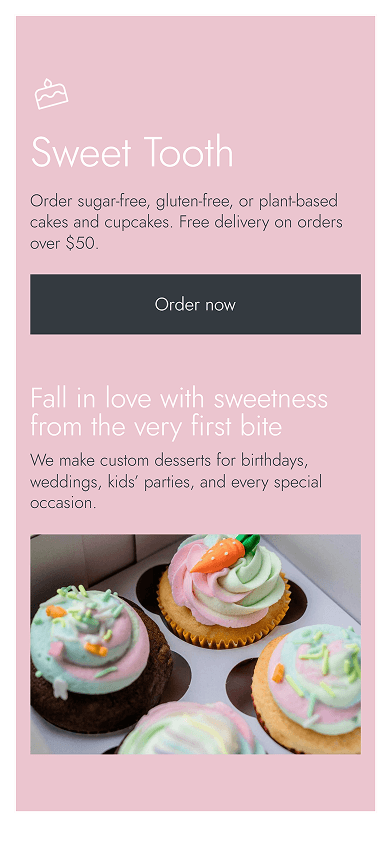
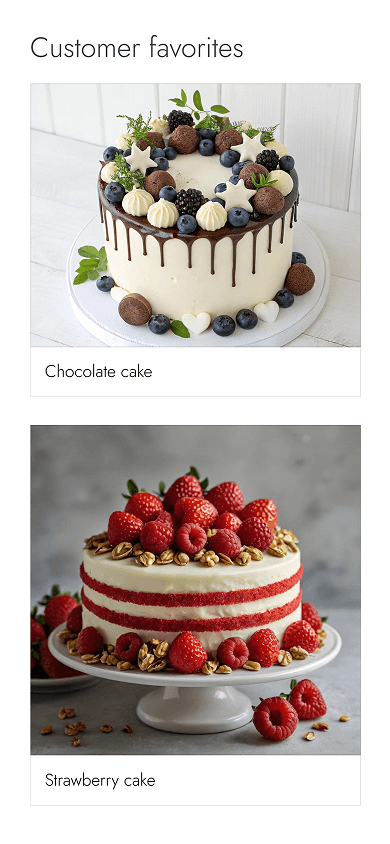
- Versatile Form and payments block (screenshot 3): Supports 10+ field types. These include phone numbers, dropdown lists, dates, times, and custom text areas. This gives you more ways to collect order details than Milkshake’s basic name, email, and message fields.
- Media and text block (screenshot 3): Organizes key details into icon-and-text rows. You can use it for fulfillment steps, delivery conditions, or service benefits. This helps customers understand the process at a glance.
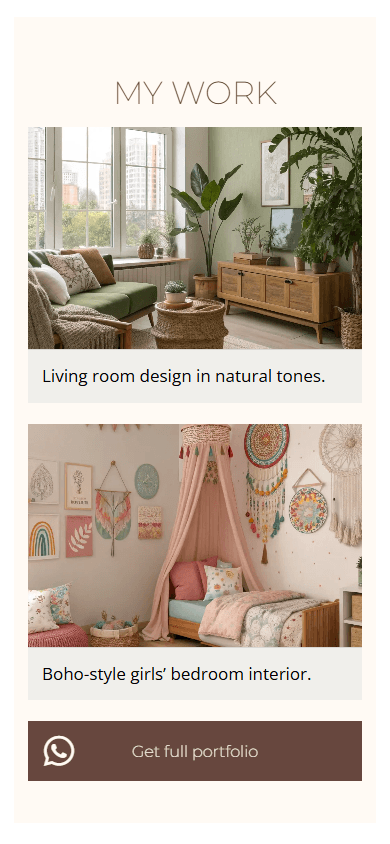

Key features & advantages:
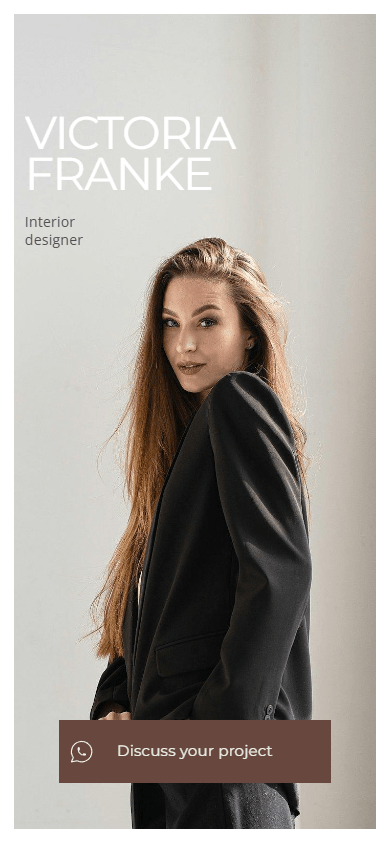
- Custom block (screenshots 1 & 3): Gives you full control over the page layout. You can create custom grids, text blocks, and full-width hero images. This lets you go beyond Milkshake’s fixed card structures.
- FAQ block (screenshot 3): Places detailed service categories inside expandable tabs. Visitors can open the information they need while the portfolio stays in focus.
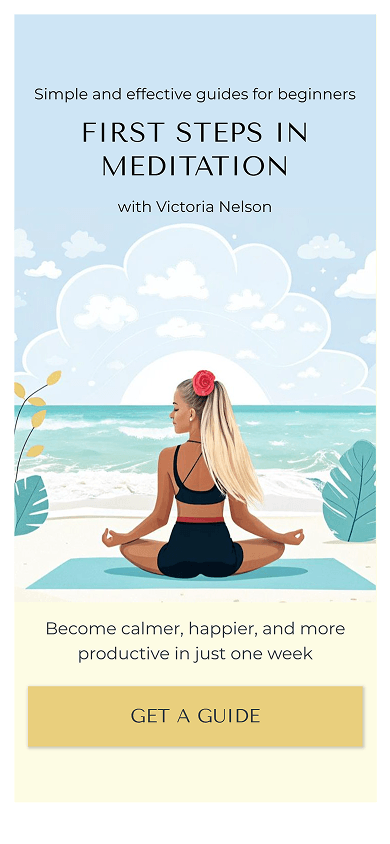


Key features & advantages:
- Pricing plans block (screenshot 3): Displays digital guides in a carousel. Each offer can include its features, original price, discounted price, and CTA button. This gives you more options than Milkshake’s simple link cards.
You can create a Milkshake-style website with Taplink in a few minutes. Choose a template and replace its content with your own. You can also use AI to create a unique page from scratch.
Here are both ways to create a similar website with Taplink.
To create a website with a template:
- Sign up on Taplink.
- Choose a template from the examples above or the library.
- Replace the sample text and images with your own content.
- Add links and contact details.
- Adjust sections and add subpages if needed.
- Publish your website.
👉 Follow this step-by-step guide to create a website using a template.
To create a Milkshake-style website with AI:
- Sign up for Taplink and open the AI builder.
- Describe your business or content to generate a page.
- Review the generated structure, text, images, and design.
- Edit the content if needed.
- Adjust sections and add subpages if needed.
- Publish your website.
👉 Follow this step-by-step guide to use the AI builder in Taplink.
These Milkshake-style website examples show how a simple mobile website can work for different types of businesses and creators. The right structure presents content clearly and guides visitors toward key actions.
Taplink lets you create mobile-first websites with templates, AI, and flexible content blocks. You can recreate the style of a Milkshake website while adding features such as custom forms, pricing plans, music, FAQs, and custom layouts.
Choose a template for a quick start or build a unique website with AI. Then adapt the content and blocks to your specific goals.