How can we help you?
How do I delete my Taplink account?
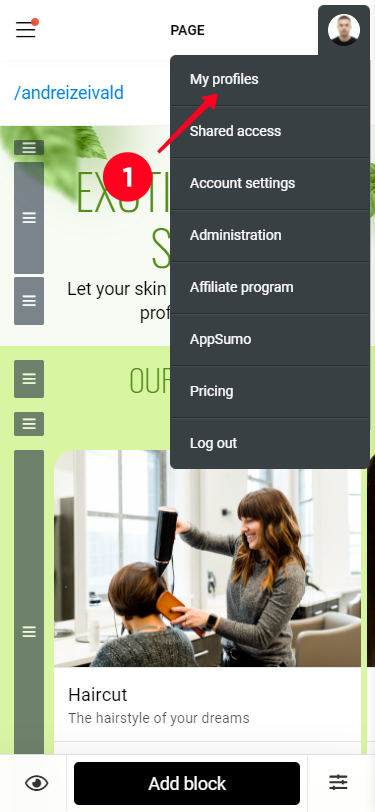
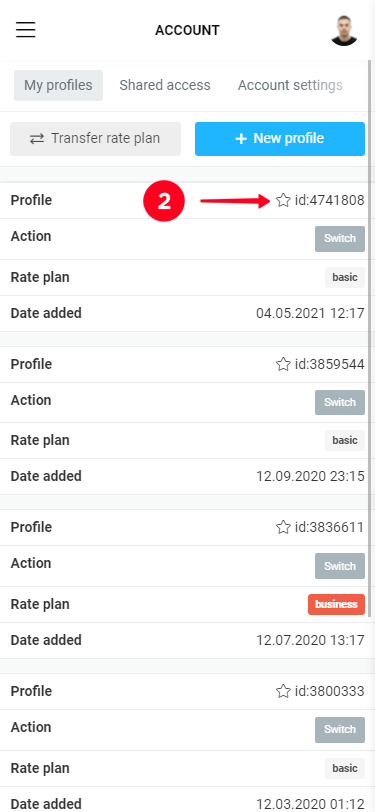
To delete an account in Taplink - go to My profiles (avatar menu) and click on the profile you want to delete.
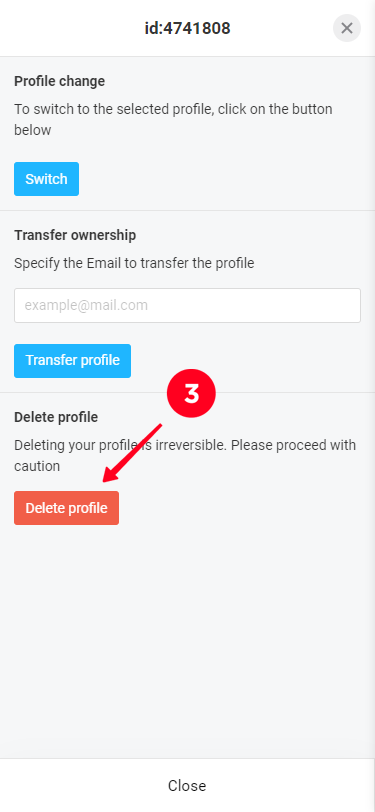
In the menu that appears on the screen, click "Delete profile" and confirm. If there is only one profile in the personal profile, the entire personal profile will be deleted, including the email address data.