How can we help you?
How do I move the plan to another Taplink profile?
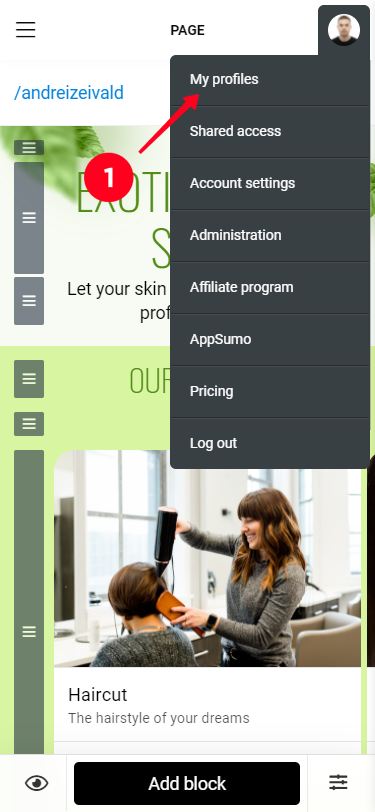
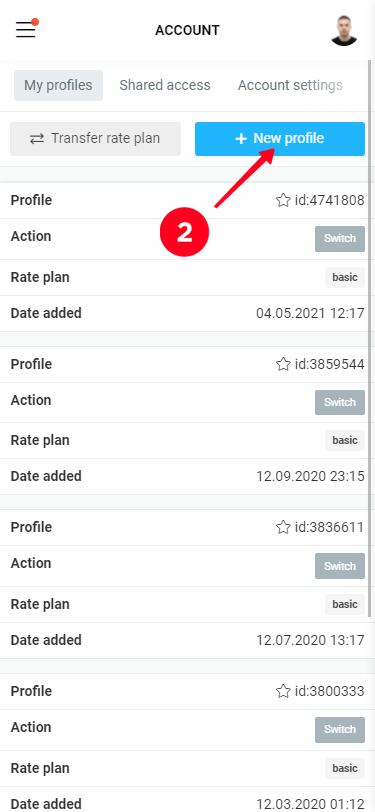
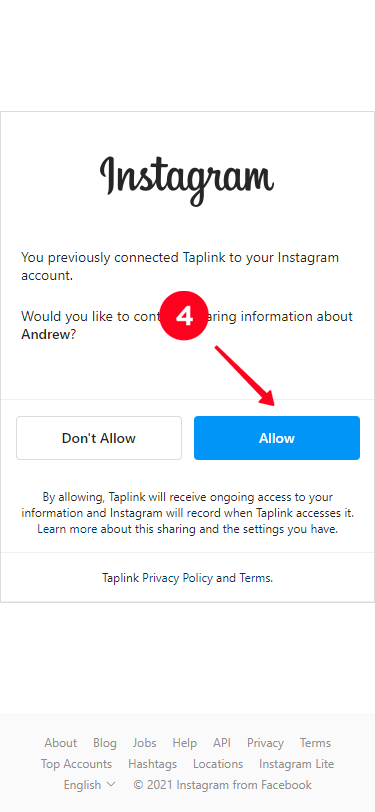
To transfer a plan, both profiles must be connected to the same account. If the profiles are in different personal accounts you need to merge them into one. To do this, click on the avatar and enter "My profiles", click on "Connect new profile" and enter Instagram under the desired account.
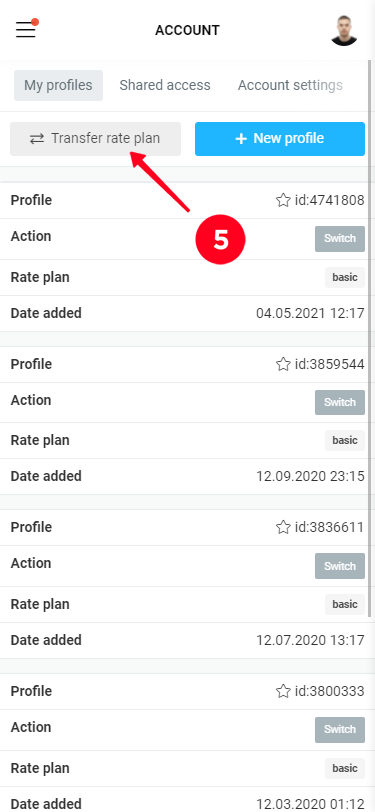
To transfer the plan, click the "Transfer plan" button and specify the profile from which you want to transfer the plan and the profile to which you want to transfer the plan, selecting the names of the profiles from the drop-down lists. If both profiles have paid plans, they will be switched.