How can we help you?
How do I add another profile to my account?
To add another profile to your existing personal account:
Step 1:
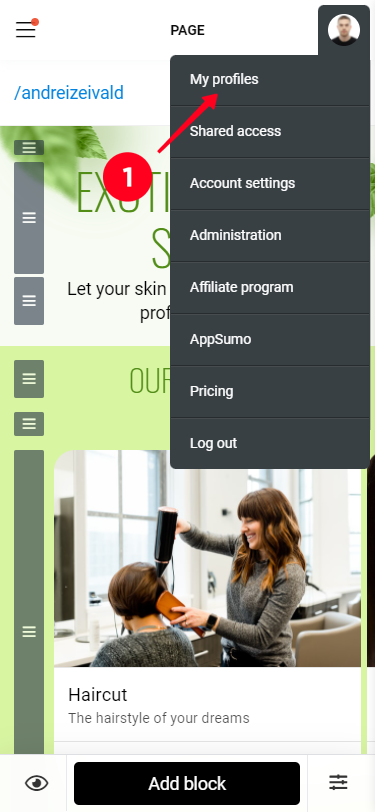
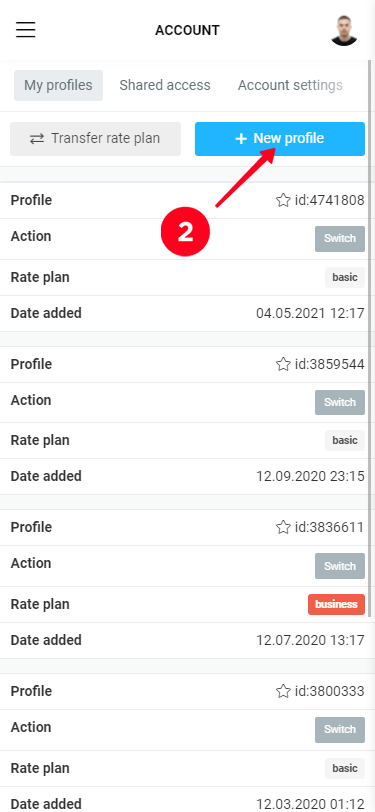
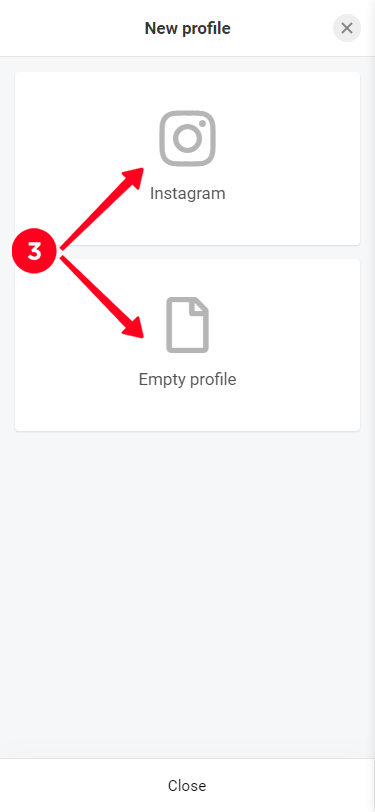
Click on your avatar and select "My Profiles", click "+ New Profile" and confirm adding a new profile to your personal account. If you've pre-authorized in your browser (from where you're working with Taplink) under the desired Instagram - can choose "Instagram", or create an "Empty Profile" and link the desired Instagram to it later.
Step 2:
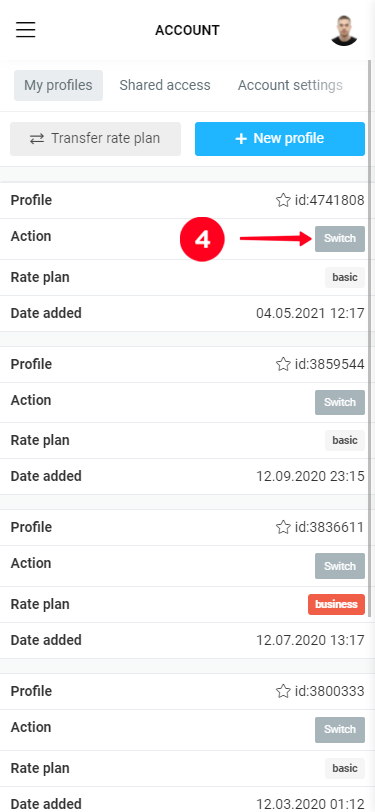
Switch to the added profile, click the "Install" button (if an empty profile was created).
Step 3:
Bind your Instagram or connect the domain (available on the Business rate).