How can we help you?
How to add a WhatsApp button?
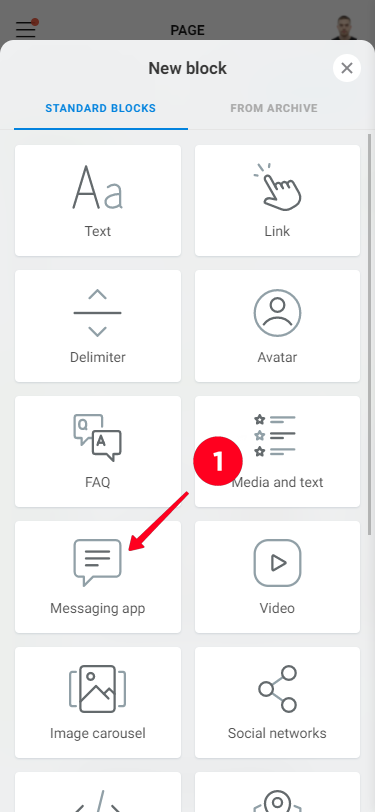
To add a WhatsApp button, click "Add New Block" and select "Messengers".
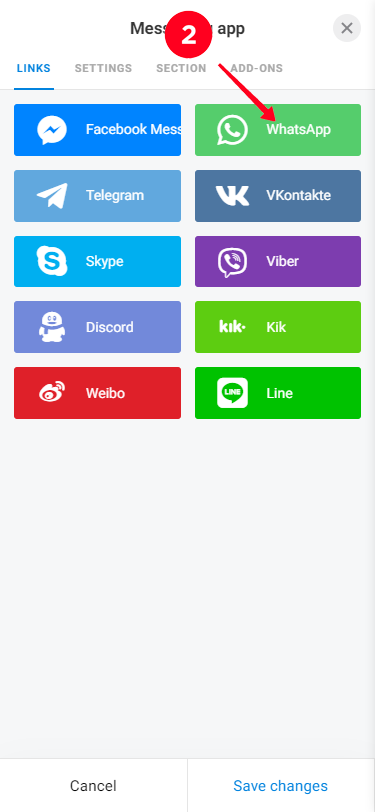
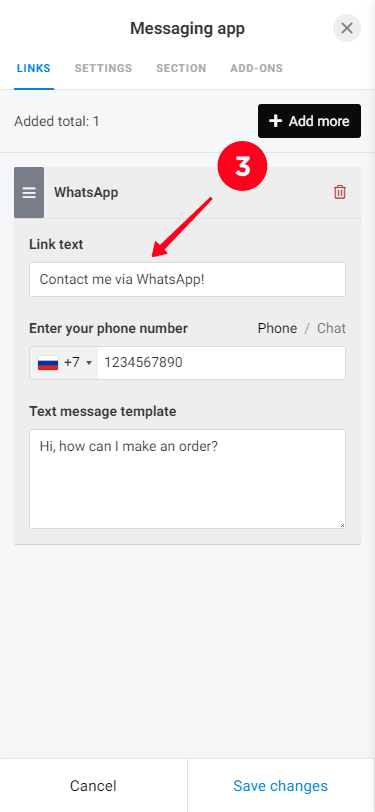
In the "Messengers" block select WhatsApp, then enter the phone number, message template (if necessary) and click "Save"
To add a WhatsApp button, click "Add New Block" and select "Messengers".
In the "Messengers" block select WhatsApp, then enter the phone number, message template (if necessary) and click "Save"