How can we help you?
What is a block archive and how to use it?
Archiving a block allows you to remove the block from the page with the option to restore it as a current page or to any other page in the same Taplink account (additional pages are available on the BUSINESS plan).
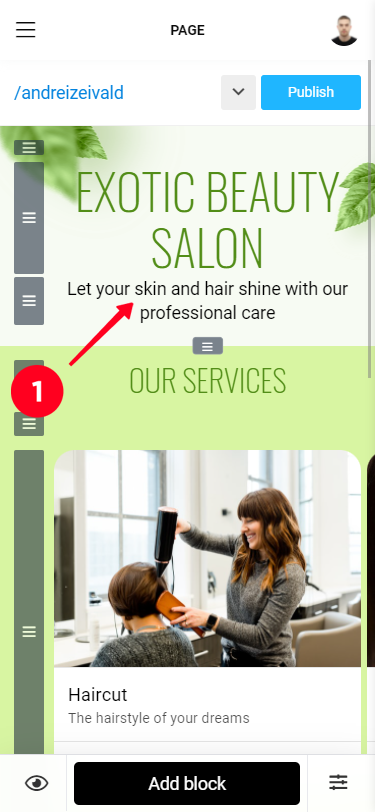
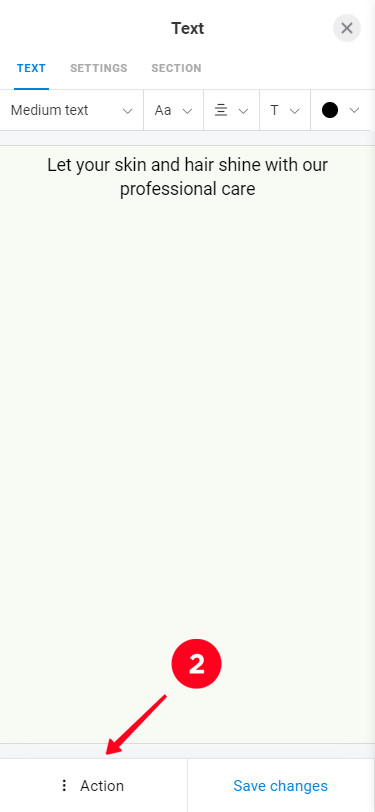
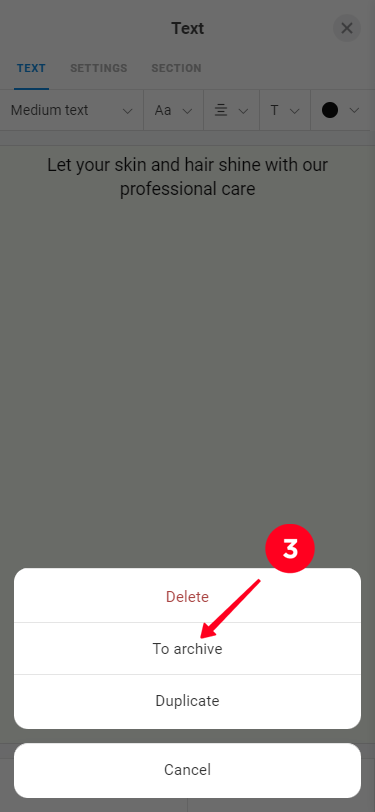
To archive a block, tap it and an edit window will appear. In this window, tap the "Archive" button.
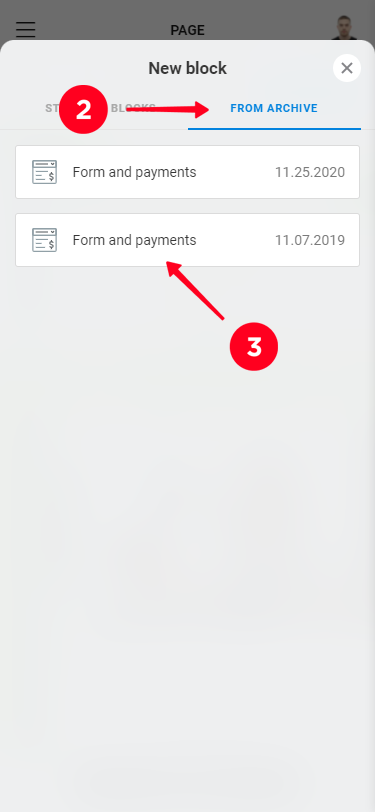
To add blocks from the archive on the desired page click "Add block", go to the tab "From archive" and select the desired block . If there are no blocks in the archive, the "From archive" tab is not displayed.