How can we help you?
How do I edit a block?
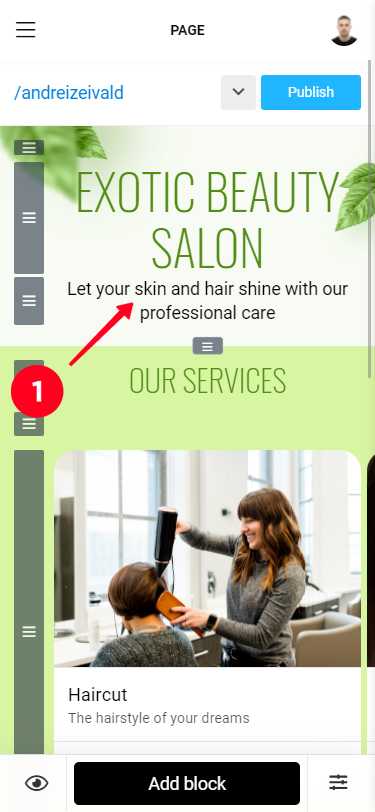
1. Tap the block you want to edit. The editing window will appear on the screen, here you can make the necessary changes.
2. To apply your changes, tap the "Save" button.
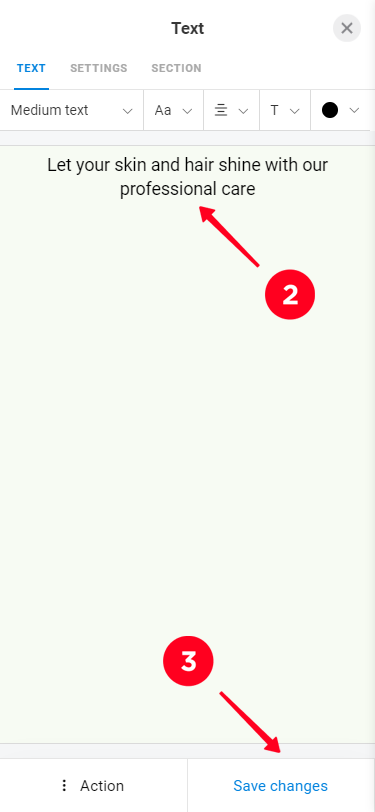
The rest of the block control functions are available through the "Action" submenu. To delete a block, use the "Delete" button, and to temporarily remove it from the page or move it to another page, use the "Archive" button. To create a copy of the block use the "Duplicate" button.